Let clients book and pay online.

Clients choose a service, find an available time, and pay online. You keep control of your schedule without managing every booking in chat.

An Oreeva public booking page with a business cover photo, locations and booking options

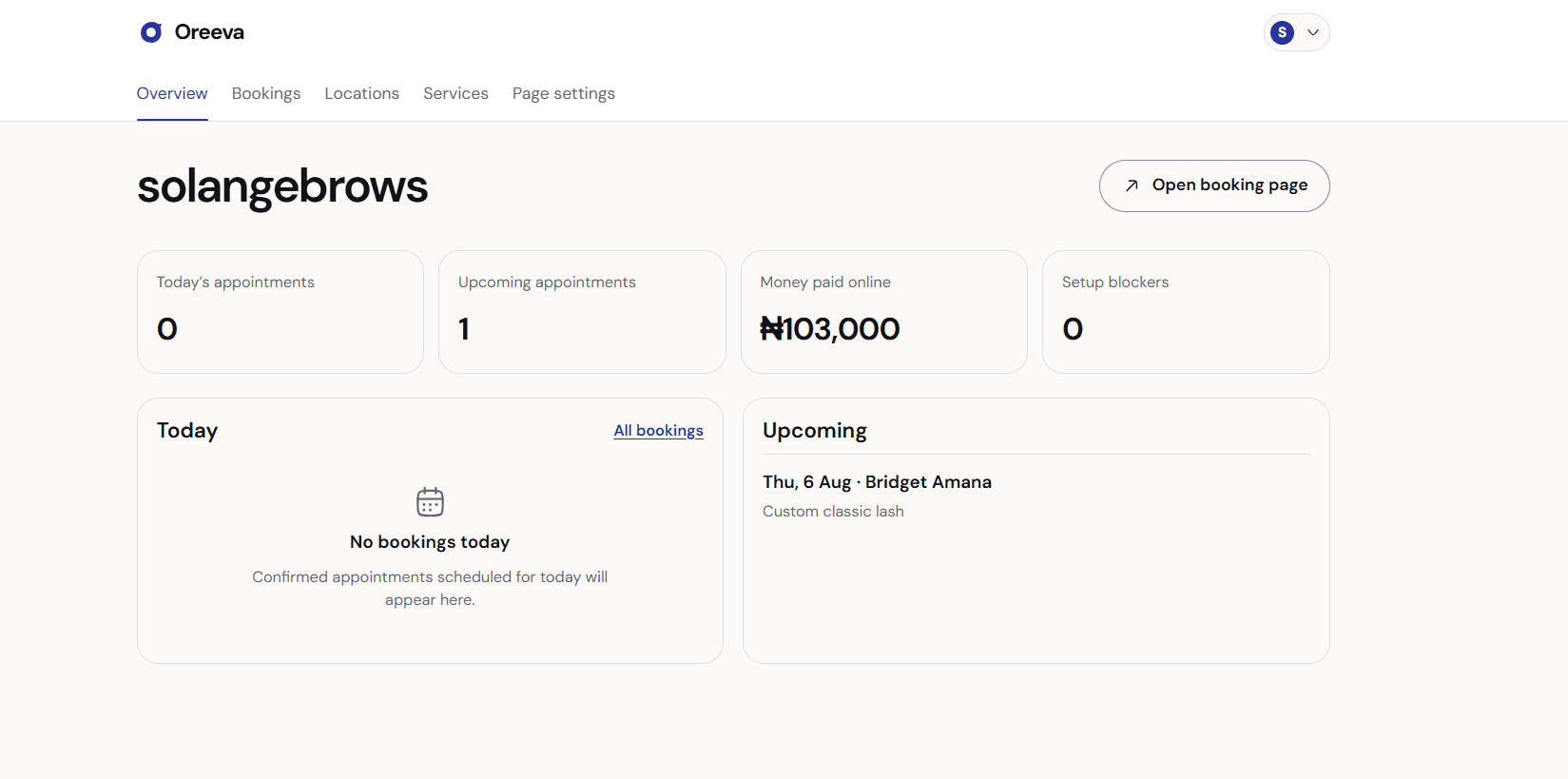
See your booking day at a glance.

Oreeva gives you a clear operational view—not another inbox to manage.

The Oreeva business overview showing appointments, online payments and upcoming bookings

Stop managing bookings in chat.

Move the repetitive parts into a flow clients can complete themselves, while you stay focused on the work in front of you.

Stop repeating the basics

Your services, prices, locations, and available times live on one page.

Know when a slot is secured

Clients pay the required amount through Paystack before the booking is confirmed.

Keep everyone informed

Booking updates go through WhatsApp, where your clients already communicate.

Set up once. Take confirmed bookings.

Step 01

Set your booking rules

Add services, locations, working hours, deposits, and your cancellation policy.

An Oreeva storefront ready to share with clients
OreevaSet your booking rules

From client payment to your bank.

Oreeva uses Paystack split payments so the applicable business share is routed to your connected bank account. Oreeva does not hold your booking funds.

Client paysSecure Paystack checkout

Your bankPaystack settlement

FAQ

What do I need to get started?

Add your business details, at least one location and service, your cancellation policy, and a connected payout account.

Can I collect only a deposit?

Yes. Set a percentage deposit for your booking page or require full payment.

Where does my booking money go?

Paystack routes the applicable shares through split payments. Check Paystack or your bank to confirm settlement.

Can 2 clients secure the same time?

Oreeva checks availability when the booking starts and again when payment is confirmed.

One clear way to book and pay.

Build your Oreeva page, connect your business details, and share your link when you are ready.

Create your booking page